Command Line Interface
The command line interface is available as:
- Macros and embedded commands
- An embedded terminal in the GUI
- If enabled, through a telnet port open on port
2929.
accessing CLI using the GUI
By pressing CTRL+T, or by using the menu bar action under Tools, the GUI terminal can be toggled on or off.
By default it is displayed at the bottom of the main window but can be moved around the edges of the window or detached entirely.
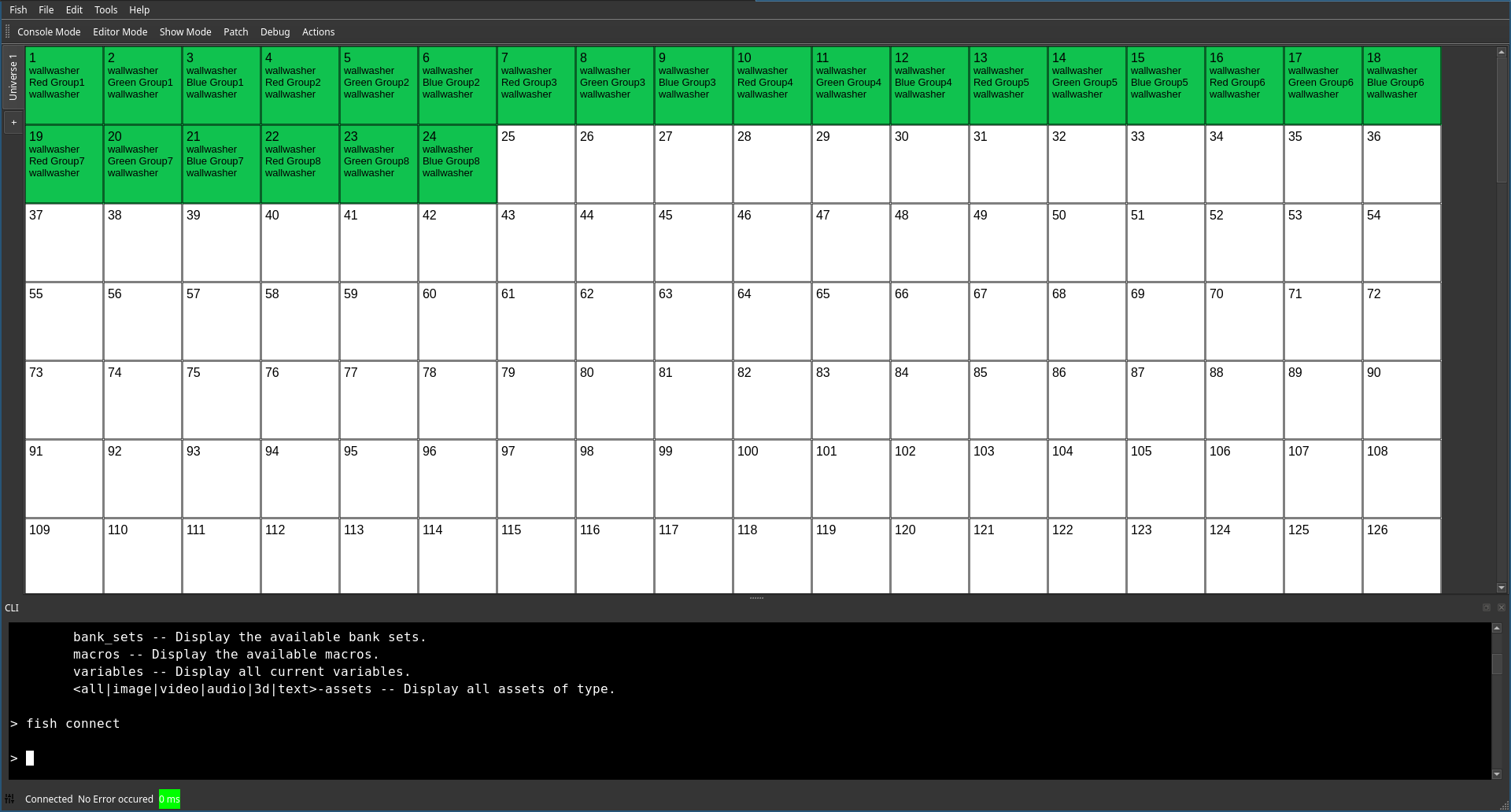
Only within the GUI integrated terminal, a history is maintained. Accessing it is possible using the up and down arrow keys.
Remote Access
The remote access port can be enabled or disabled in the settings.
Once enabled, it provides the same access to the CLI as a local user and no authentication is required through TCP port 2929.
Therefore, this feature should be used with caution and only in air gapped networks or with carefully crafted firewall rules.
However, this behavior is required to integrate with other production equipment, which usually does not know the concept of computer security.
Advanced features
While the used command language isn’t as feature-rich as a modern shell, it provides some advanced features.
- Comments are started by
# - The set instruction can be used to set variables. If one for example issues ´set var foo´, the value
foocan be retrieved at a later stage by writing$var. - Basic control flow can be managed using
if. The syntax looks as follows:if <Expression> then <command>. Expressions are build using<value A> <comparison> <value B>. While values can be anything, supported comparisons are<,>,=,!=,andandor.
Command Documentation
In general you can type help <command or topic> to get a brief introduction.
However, here is a list of special documentation for selected commands: